Consistent design across all videos.
With a Brand Kit you set your design once. For every new video you pick the right Brand Kit. That way, video 1 looks like video 50.
 Scene 1
 Scene 2
 Scene 3
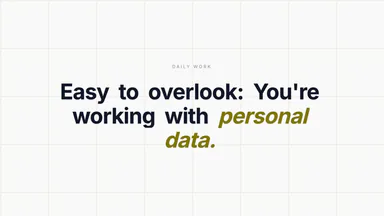 Scene 4
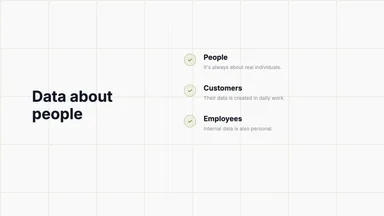 Scene 5
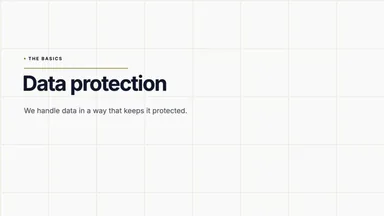 Scene 6
 Scene 7
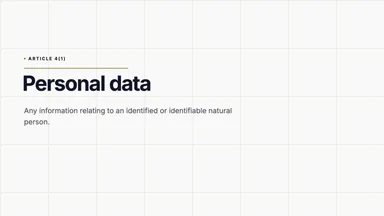 Scene 8
 Scene 9
Six areas decide the design of a video.
You set each area once in the Brand Kit — every video takes its settings from there.
Colors
Your exact HEX values, on every scene.
Font
Every text in your chosen font.
Illustration style
One look, drawn the same in every video.
Characters
Your own characters with clear roles.
Background
One custom background for all videos.
Subtitles
Subtitles in your own design.
Your exact colors, every scene.
You set your own colors — by HEX or picker. The live preview instantly shows how the colors look together. Optionally, the primary color alone is enough: for the suggestions (light and dark) and the secondary color, the matching values are computed mathematically.
The HEX value lands exactly 1:1 in every video — not roughly.
The live preview recolors as you type, so you see everything before you save.
Brand colors
Live preview
Background
Sample text
Color suggestions
One font for all your video text.
Pick your font — every piece of text uses it (all Google Fonts work). Sizes and spacing are set automatically.
Font
Only Google Fonts are supported. The fonts shown below are guaranteed to work. More fonts at Google Fonts.
All illustrations in one consistent style.
Six ready-made styles are available, which you can adjust as you like — every illustration in every video is created in that style. Or create your own style from several reference images, which is then used across every video.
Choose a style
Choose the style your images should appear in.






Set how your colors are used.
Decide how much your brand colors show up in clothing, objects and surroundings — from natural to exclusively your colors. The stronger you go, the more every illustration carries exactly your brand colors — instantly recognizable as yours.
Color profile


Fixed characters for your videos.
Set up your characters once; they stay consistent across all videos. Give them clear roles like employee, customer or colleague, so it's immediately clear who's meant, and each character always appears in the right place. This is optional.
Characters




Your own background — adjustable down to the detail.
Pick a background style and adjust it freely — colors, visibility, strength and more. You can also upload and set your own background image.
All styles
Subtitles in your design.
Many viewers watch videos on mute. Set the subtitle style once — text, box and highlight color, text size, weight and more. For each video you decide whether it's created with or without subtitles.
Subtitles
Create your first training video – free.
Create your own training video in minutes – or talk through your topic with us in a free call.
No-obligation call · No credit card required