On-brand training videos in under an hour instead of weeks.
From a topic, script, PDF, or knowledge document, Vidancy automatically builds a finished training video – with voiceover, illustrations, and animations, all styled to your brand.
Hire it out, produce it yourself, or create it with software: every path has its strengths. The table lays them out side by side so you can compare for yourself.
Agency
In-house team
Vidancy
CostBasis for comparison Requirements: scene changes every 5–8 seconds · custom-made illustrations and graphics · animation of text, graphics, and transitions · no character animation · voiceover & editing. On top of that, there is your own time to define the requirements once and review the finished result. With agencies and in-house teams, the requirements are set through briefings and rounds of coordination; with software, you enter the specs in the fields provided.
from €500 / minHow the price adds up Depending on the provider, style, complexity, and coordination effort, productions cost roughly €500–3,000 per finished minute.
from €65 / minHow the price adds up Your own working time (script, graphics, editing, export) · buying in voice talent and stock footage · license fees for editing software like Adobe Premiere or Camtasia · equipment. A conservative estimate for a simple video: 12 hours of work for an 8-minute video × €40 / h = €480, or €60 per minute, plus around €5 per minute for voice talent, footage, and licenses.
€1.90 / minHow the price adds up Starter plan: €19 / month · 10 minutes included · that comes to €1.90 per minute.
First video ready in
2–8 weeks
1–4 weeks
under 1 hour
CreativityWhat creativity means here In training videos, creativity should above all support understanding – rather than staging an offer or a brand emotionally to spark interest, the way ad videos do. What matters is clearly structured scenes, fitting visual ideas, and calm timing that leaves enough room for text and graphics.
✓ very highAn agency develops the scene structure, visual ideas, and timing from scratch. The quality depends on which agency you choose, the budget, and the agreed production scope.
✓ (very) highAn in-house team develops the scene structure, visual ideas, and timing itself. The quality depends on the team’s experience and the time invested.
highVidancy breaks the content into scenes that are easy to follow, develops fitting visual ideas, and matches cuts, overlays, and on-screen timing to them. You can see exactly how that looks in our example videos.
On-brand design
✓ to specColors, fonts, backgrounds, and other design specs are set in the briefing and applied to each element during production.
✓ manualAn in-house team sets up colors, fonts, backgrounds, and other design specs itself and checks that they are applied consistently.
✓ automaticColors, fonts, backgrounds, and other design specs are stored once in the Brand Kit and then applied automatically to every video.
Custom illustrations
✓ availableCustom illustrations are part of what many agencies offer.
✓ availableRequires in-house design skills or a designer on the team.
✓ availableYou set your preferred illustration style once in the Brand Kit. Vidancy then creates every illustration in that style.
Real camera footage
✓ available
✓ available
not included
Update cycle
weeks
days to weeks
minutes
Changes
often extra cost
extra effort
mostly freeIncluded freeText & subtitles: always free · Voice: 30 words per minute free · Images: 2 per minute free. You will find more details on the Editor page.
Multiple languagesWhat each language involves Every additional language version takes four steps: 1. translate the script · 2. record the voiceover in the target language · 3. adjust the on-screen text · 4. align animations and scene timing to the new voiceover.
50–100% per languageHow it works With an agency, all four steps are carried out and coordinated individually for every additional language version. For that, agencies usually charge 50–100% of the original video price.
extra effortHow it works An in-house team carries out all four steps itself and brings in external translators or voice talent when needed. That means added work and coordination for every additional language version.
30% per languageHow it works In Vidancy, all four steps run automatically – the manual work disappears. Every additional language version costs 30% of the original video price. At €1.90 per minute, that comes to €0.57 per minute.
Producing 50+ videos
high financial costAgencies are especially suited to high-end employer-branding, marketing, and brand videos, where top quality, emotional impact, and how you come across to customers or applicants matter most.
high staffing costAn in-house video team makes the most sense when you regularly produce social media and marketing content yourself. For training videos, it can put its in-house video skills to work and use Vidancy as a tool to skip the labor-intensive manual production steps.
manageable effortVidancy is especially suited to turning many different company processes and areas of knowledge into training videos, so employees get trained consistently and reliably. The videos are quick to create and easy to update when something changes.
Example videos
See what the result looks like.
Four real examples: different topics, different industries, each in its own illustration style.
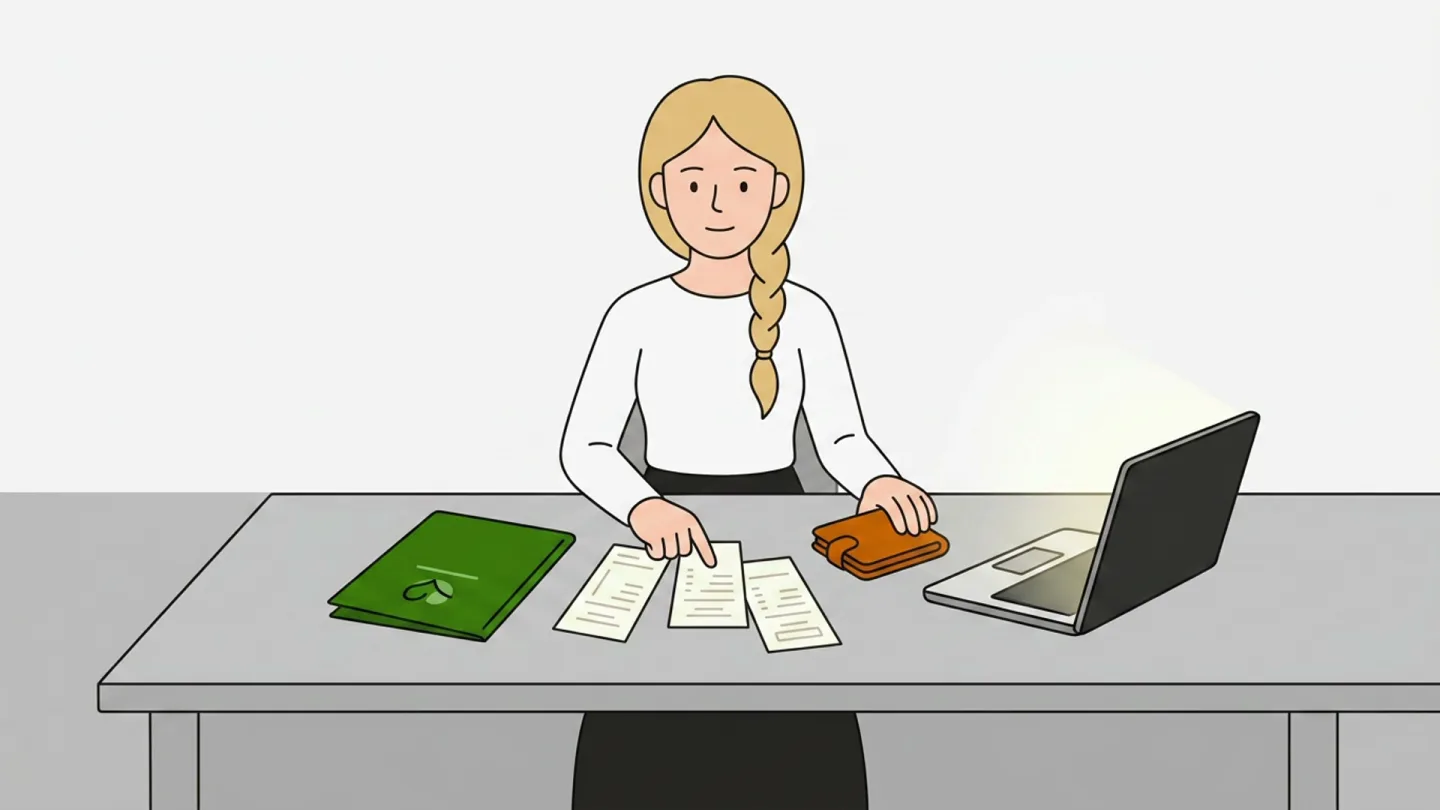
Finance03:23
Travel expense reporting
Submitting receipts, claiming per-diem allowances, and working through the approval workflow for business trips.
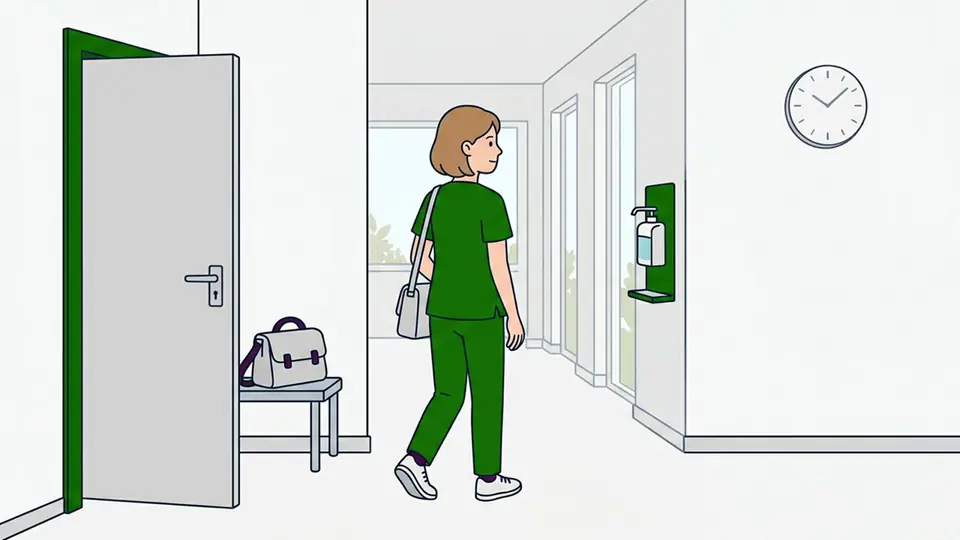
Healthcare03:35
Shift handover
Patient status, open tasks, and key details – a structured handover in inpatient care.
Compliance06:25
GDPR training
Data protection basics, subject access rights, reporting incidents.
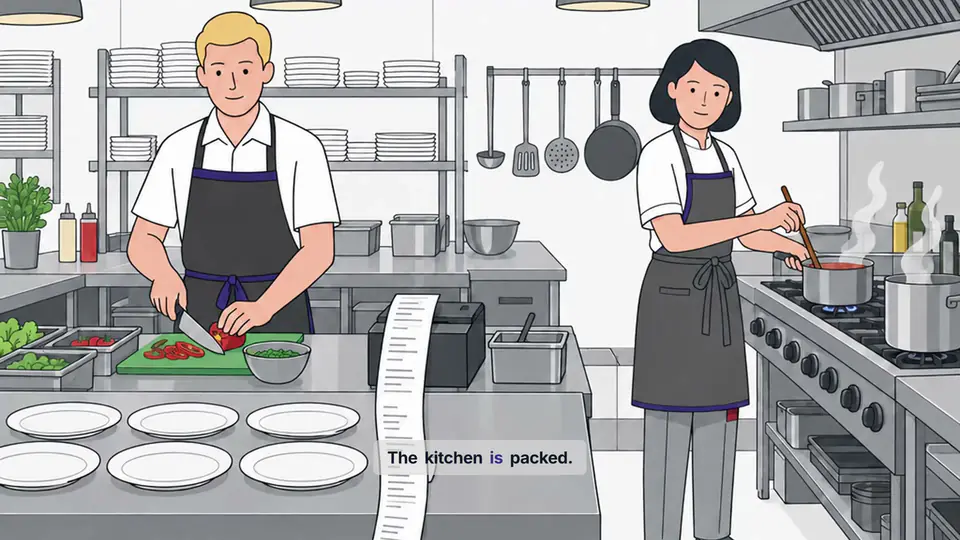
Onboarding05:28
Hygiene training
Handwashing, kitchen hygiene, and food safety in everyday hospitality work.
Design
Videos that look like your company.
You can tell a good training video by two things: employees understand the content, and the result looks professional.
To see how you can tailor the look of your videos to your brand and your own ideas, head to the Brand Kit page.
01
No AI avatars that feel off
Vidancy deliberately skips talking avatars. Your employees see illustrations that show the content, instead of an artificial face that just reads it out.
02
Illustrations in your style
Each scene gets its own visual idea: the right image for exactly that moment in the video. And it is rendered in your illustration style.
03
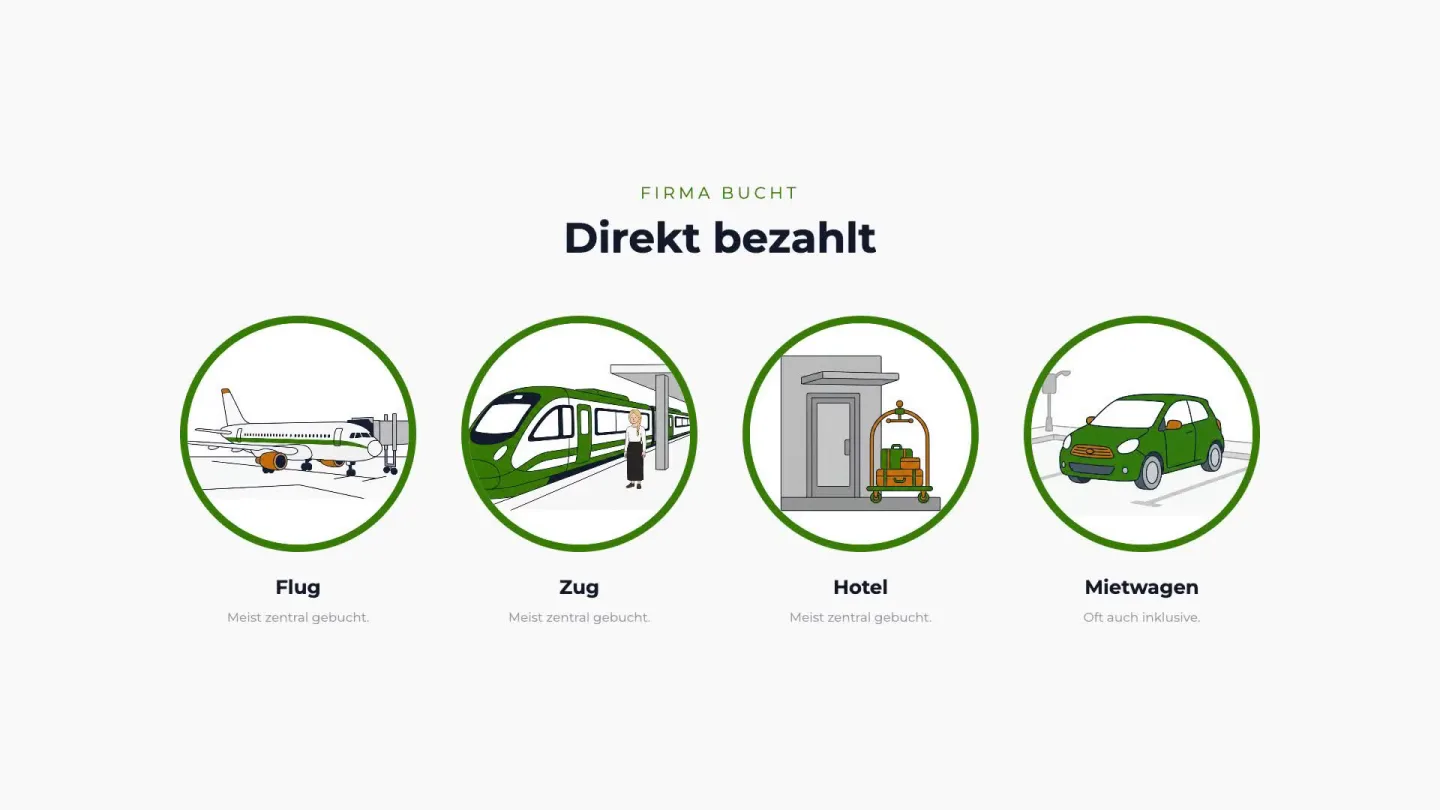
Company books
Paid directly
Flight
Plane ticket booked centrally.
Train
Rail ticket paid directly.
Hotel
Stay billed centrally.
Rental car
Added directly when needed.
Graphics that show the information
Numbers, processes, and connections appear as on-screen graphics while the voice explains them. The viewer sees what is meant instead of having to picture it.
04
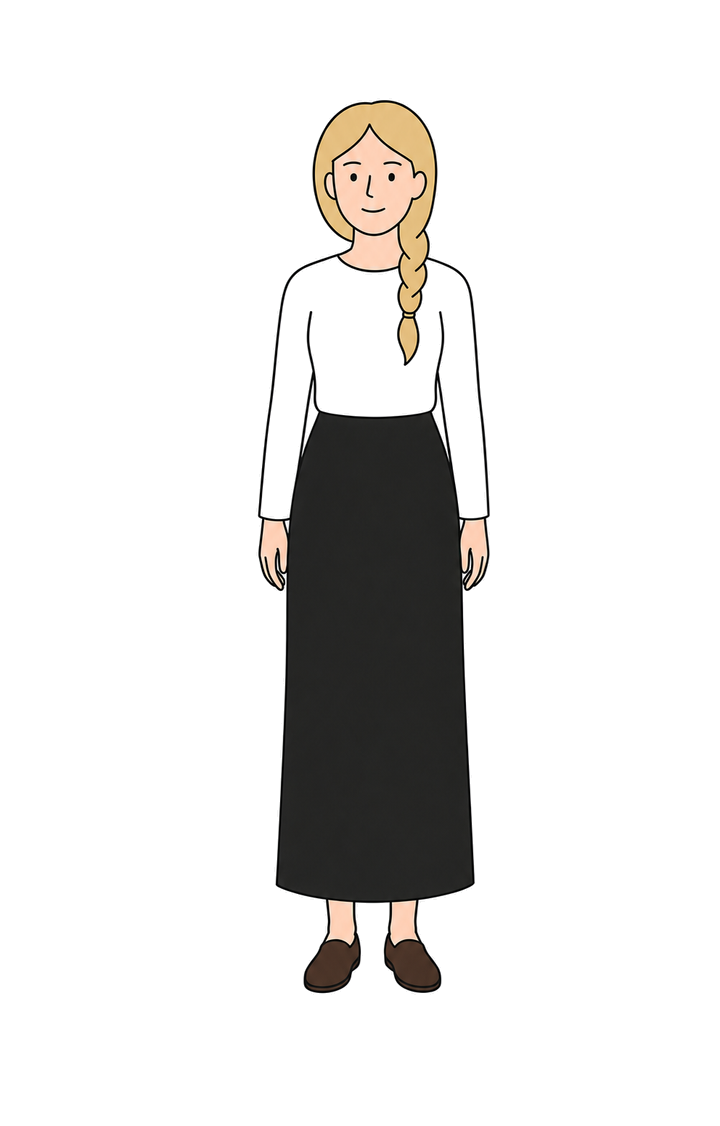
Recurring characters
Set up characters with fixed roles that reappear across your videos. That way viewers recognize people faster and follow the steps more easily.
05
Primary#347C04
Secondary#C46A03
Surface 1#BCBCBC
Background#F9F9F9
Everything in your brand identity
Every color, every font, every subtitle, every background follows your Brand Kit. Set it once, and it applies automatically to every video after.
How it works
The fastest path from knowledge to training video.
From a topic, knowledge document, or finished script to a complete training video in under an hour.
01Choose how to startYou pick whether to start from a topic, a knowledge document, or a finished script – and then see the fields that fit.
02Content and settingsFor a topic, a description with a few bullet points is enough. Brand Kit, voice, and language are already preselected.
03Create the videoA topic or knowledge document first becomes a script for you to review; a finished script goes straight into production. After 20 to 30 minutes, you get your finished video – ready to export as MP4 in 1080p or as a SCORM package for your LMS.
You will find more information on the Security page.
GDPR-compliant
All data flows documented, data processing agreement available, subprocessors listed transparently.
Data stored in the EU
All your data is stored in European data centers.
No training data
Your content is never used to train AI models!
Defense in Depth
Access protection works at several layers – from authentication through database access controls to signed media links. On top of that, well-defined processes for secret management, updates, and security reviews that follow the current state of the art.
Who we are.
Vidancy was founded by Marc Alexander Harpain and Friedemann Claus, two computer scientists who met in 2017 at the Karlsruhe Institute of Technology (KIT). Our goal is to give companies an easy way to turn their own content into professional training videos.
Marc Alexander Harpain
Video & customer experience
Marc Alexander Harpain
Video & customer experience
Marc Alexander ran an explainer-video agency for six years and delivered hundreds of video projects along the way. Through countless rounds of feedback, he learned what really matters to clients in video production. At Vidancy, he owns a consistent, well-considered video design and a creation process that is as simple as possible for you.
Friedemann Claus
Software & security
Friedemann Claus
Software & security
Friedemann brings deep programming expertise and a strong grasp of software architecture, in part from his time at Porsche. He owns the technical side of Vidancy: making sure everything runs reliably, that we get the full potential out of the technology, and that security and privacy meet the highest standards.
Frequently asked questions.
How long does it take to finish a video?
Creating a video usually takes 20 to 30 minutes. Changes to an existing video are done in a few minutes.
Who writes the script?
There are two ways. You can paste a finished script directly – Vidancy uses it word for word for production. Or you can give just a topic, a few bullet points, or your own knowledge documents, and Vidancy writes a script from them and shows it to you as an editable draft before the video is produced. In the script preview, you can edit the text directly or request a new version (“shorter”, “less jargon”, “more examples”) – three free regenerations are included per video.
Can we use our own illustrations or our own style?
Yes. In the Brand Kit under “Illustration”, you have two options: pick one of the recommended styles, or create your own by uploading one to five reference images and briefly describing the look you want (shapes, lines, colors, mood). From your images and description, Vidancy builds a style anchor that is then reused consistently in every scene of every video. That keeps the look the same across many videos.
Which voices can I choose from?
Currently 54 voices, filterable by gender (male/female), age group (young/middle/mature), energy (energetic/balanced/calm), and tone (professional/friendly/natural). As you choose, you can preview samples in your selected video language and find the right voice for your brand.
Which languages does Vidancy support?
Currently 38 languages across 41 language variants. Full list:
Can I have my video translated into another language?
Yes. Open the finished video in the editor and choose the target language from the language menu at the top. Vidancy automatically translates the script, generates the audio in the target language with the same voice, and adjusts all on-screen text in the video. Each additional language version costs 30% of the video’s original credits. Example: a 5-minute video costs 300 credits to create the first time (60 credits per minute) – each additional language version is then 90 credits.
Who owns the rights to the finished video?
You do. You receive full usage rights to the finished video and can use it internally in training, embed it in your Learning Management System, or publish it on public channels – your website, YouTube, LinkedIn, or social media.
Can we integrate Vidancy with our Learning Management System (LMS)?
Yes, in two ways: videos can be downloaded as MP4 and uploaded to any common Learning Management System (LMS) (Moodle, Cornerstone, SAP Litmos, TalentLMS, and more) – or exported directly as a SCORM (Sharable Content Object Reference Model) package, whose completion your LMS records automatically. For the SCORM export, you decide:
• SCORM version: 1.2 or 2004 – whichever your LMS supports
• Completion threshold: how much of the video has to be watched for the training to count as complete (70–100%)
• Fast-forward lock: whether employees can skip ahead or have to watch the video in full
• Resume: whether the video picks up where it left off when reopened
• Player branding: the player’s logo, accent color, and background color – pulled straight from your Brand Kit if you like
You save these settings as reusable profiles. One SCORM package is generated per video and language version – multiple packages are delivered bundled as a ZIP file.
Create your first training video – free.
Create your own training video in minutes – or talk through your topic with us in a free call.