Want to change something in the video?
Open the editor, change exactly the part that is off, and the video is rebuilt — in your design. Everything in your hands, without relying on anyone external.
Every scene editable on its own
See every change in the preview before you apply it
Undo any change with a single click
Every video is made of four parts — and you can change all four.
Voice, images, text and subtitles. In each part, you change what is off.
Many changes are free.
Changes to text and subtitles are always free. For voice and images, every started minute includes an allowance — you only pay beyond it.
How the minute counts
Every video is rounded up to the next full minute. A 4:05 video counts as 5 minutes — so you have 150 voice words and 10 images free.
Voice
30 words per started minute free, then 1 credit per 16 words.
Images
2 images per started minute free, then 6 credits per image. This applies only to newly generated images — images you upload yourself are always free.
Versions
Collect as many changes as you like — everything is saved automatically. Only a click on “Apply changes” turns them into a new video: your new version. The first 3 versions are free, each additional one costs 10 credits.
What a change costs
Free allowances are per video, across all versions.
Change content and voice
A single word is no longer right — or the whole content has changed?
From a single word to the entire script: you mark a spot and have just that re-voiced, or you replace the whole text.
Same voice. New lines sound like the original — same speaker, same language.
Listen first, then apply. You hear the new version in the editor — and apply it only if it fits.
Text
New text
Use textChange images
When an image does not quite match what you had in mind, you regenerate it.
You describe the change in text. You can send reference images that are taken into account when the image is regenerated — for example the current image, your Brand Kit characters, images from other scenes, or images you upload yourself. Or you set your own image directly, without any generation.
Send previous scenes. For a consistent look — or to reference an earlier scene.
Send characters from the Brand Kit. To reference specific people.
Upload your own image. To show something very specific. Uploading is always free.
Change image
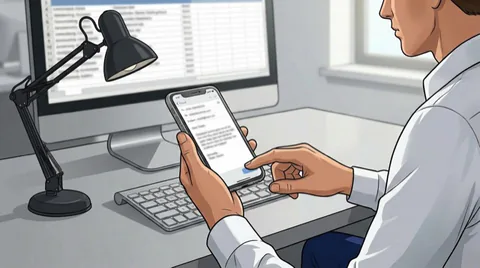 Original
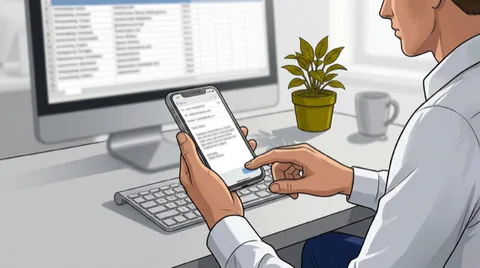 V2Change 1
Change text
An on-screen text needs updating?
Every text in a scene is visible and editable on its own. You type the new text into the matching field on the right and click “Apply” — layout and animation stay, only the text is updated.
All texts at a glance. All overlays of the scene sit clearly side by side.
Free. Text changes are always free.
DATA BREACH
Report it immediately.
Text 1
Text 2
Text 3
Text 4
Change subtitles
The subtitle recognition spelled a technical term wrong?
You only enter the new text — the matching subtitle design is taken from your Brand Kit automatically.
Free. Subtitle changes are always free.
Create your first training video – free.
Create your own training video in minutes – or talk through your topic with us in a free call.
No-obligation call · No credit card required